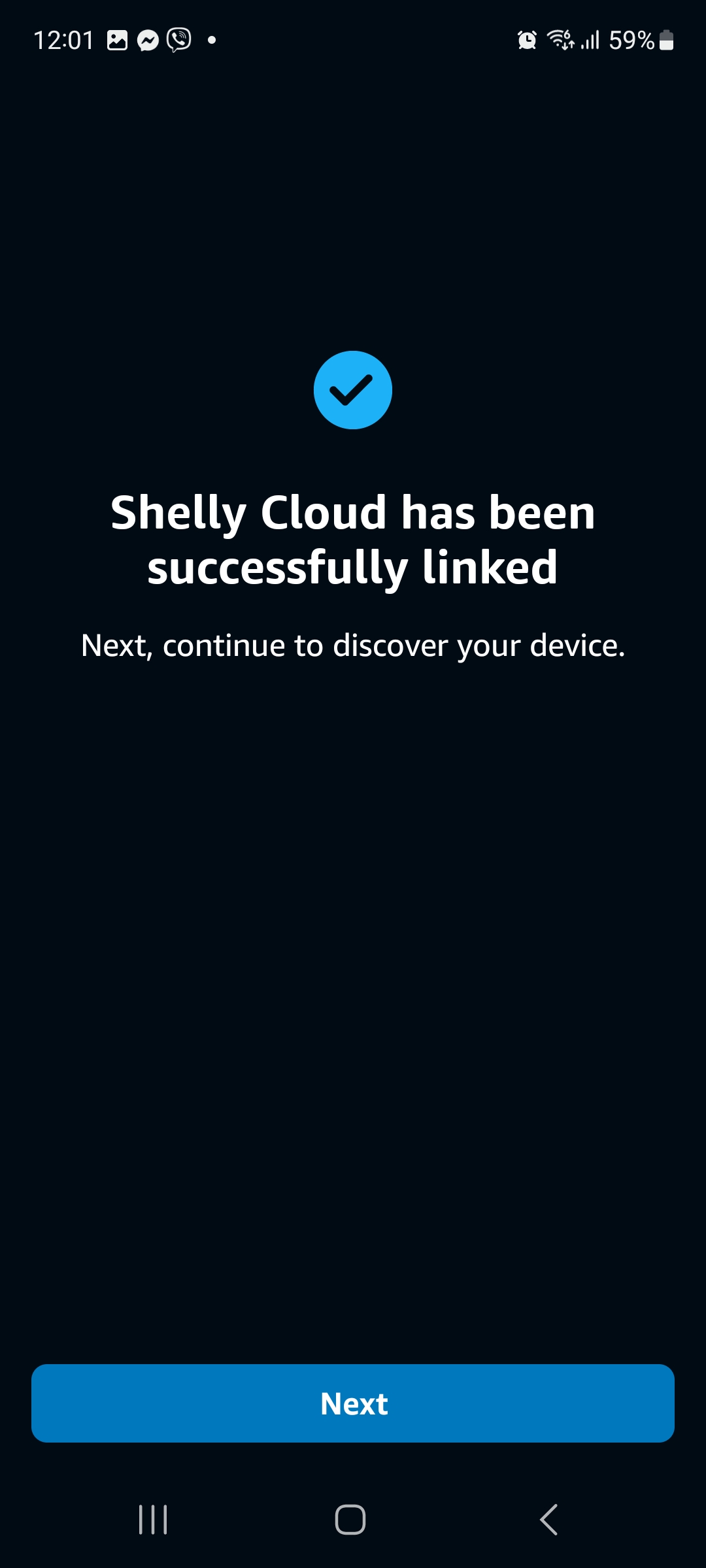
App-to-App Account Linking (Android)
This instruction describes app-to-app account linking from an Android mobile device in two different flows, depending on which app you decide to use as the default.
Prerequisites
Before you start, make sure you have:
- Shelly Smart Control app installed on your mobile device.
- Amazon Alexa app installed on your mobile device.
App-to-App Account Linking Starting from the Shelly Smart Control App
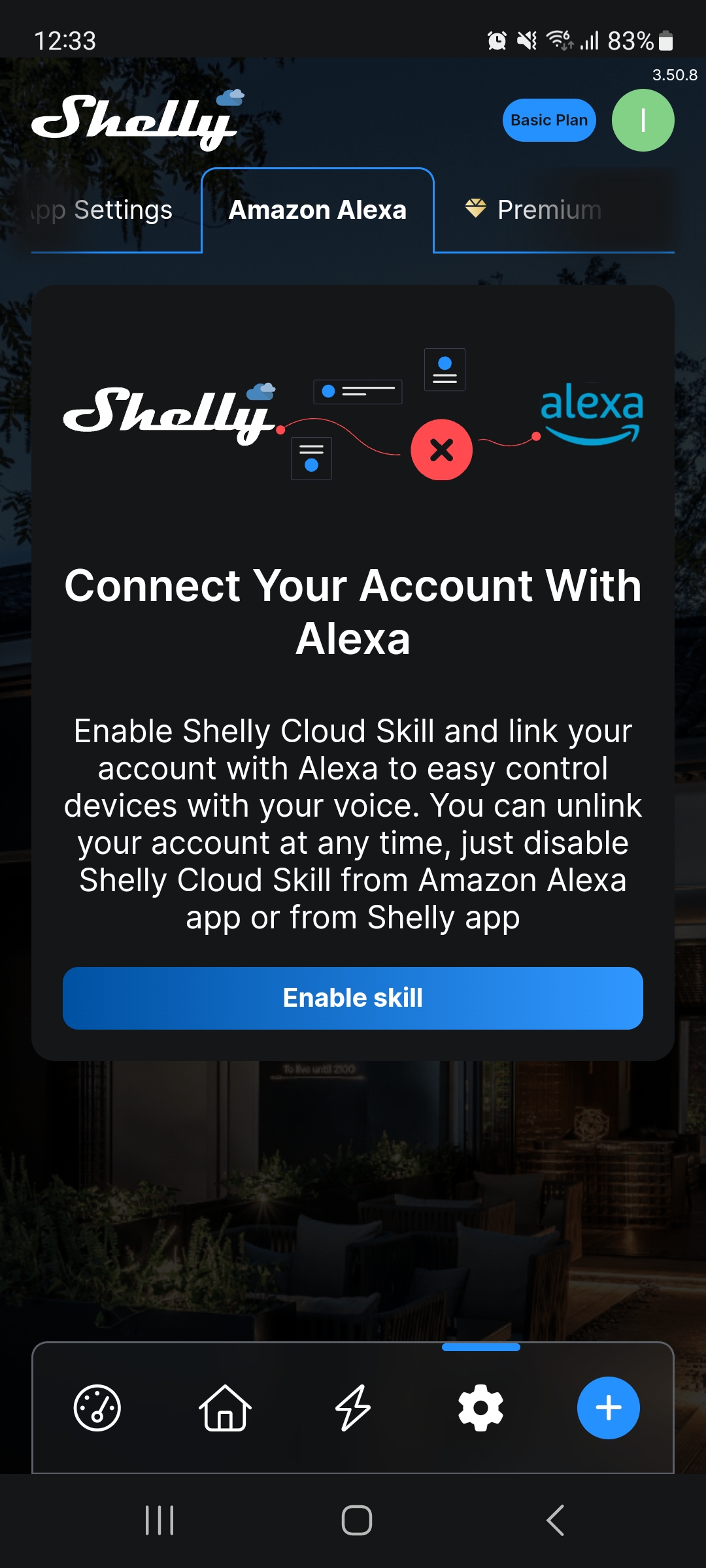
From the Settings menu, select Amazon Alexa > Enable skill.
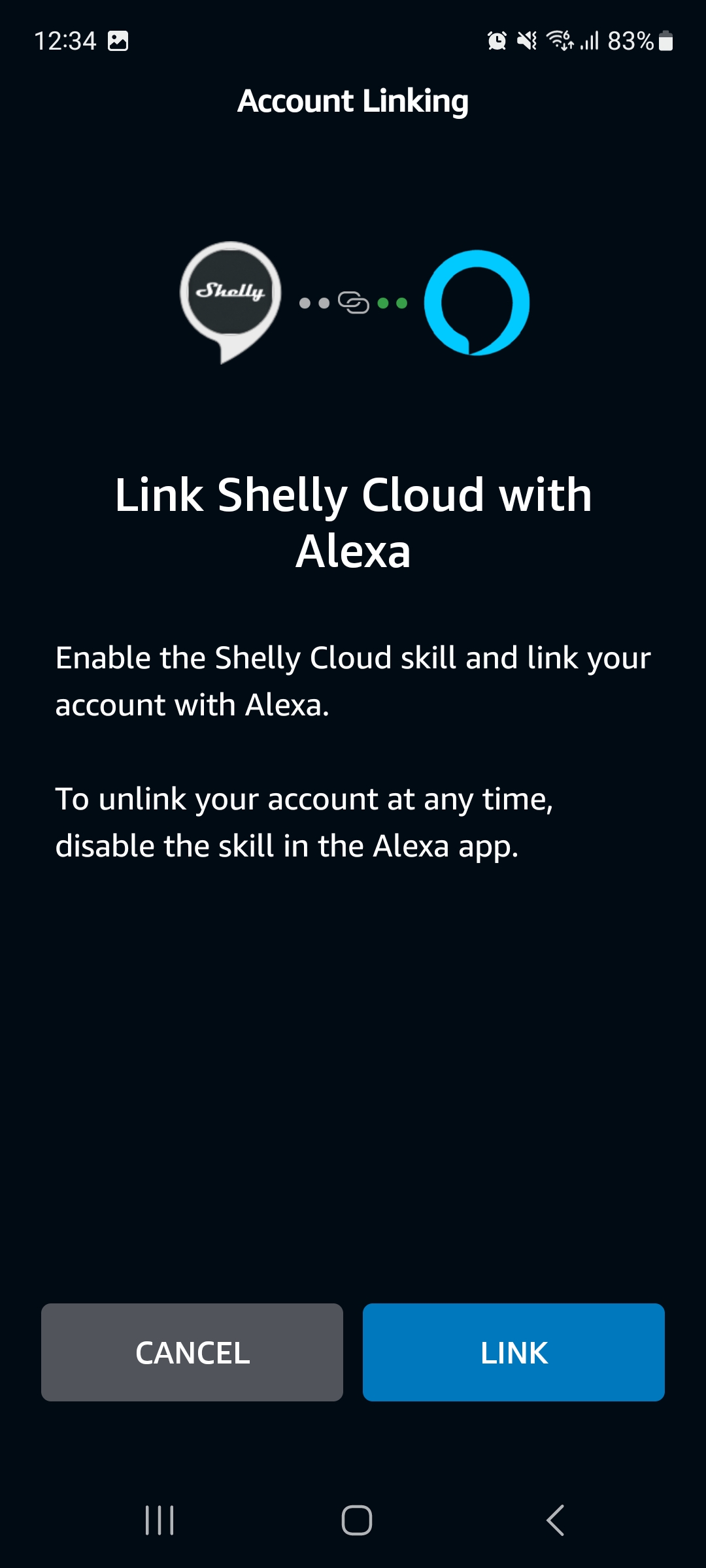
Select Link.
A confirmation appears that your accounts are linked.
You will also receive an email confirmation for the linkage.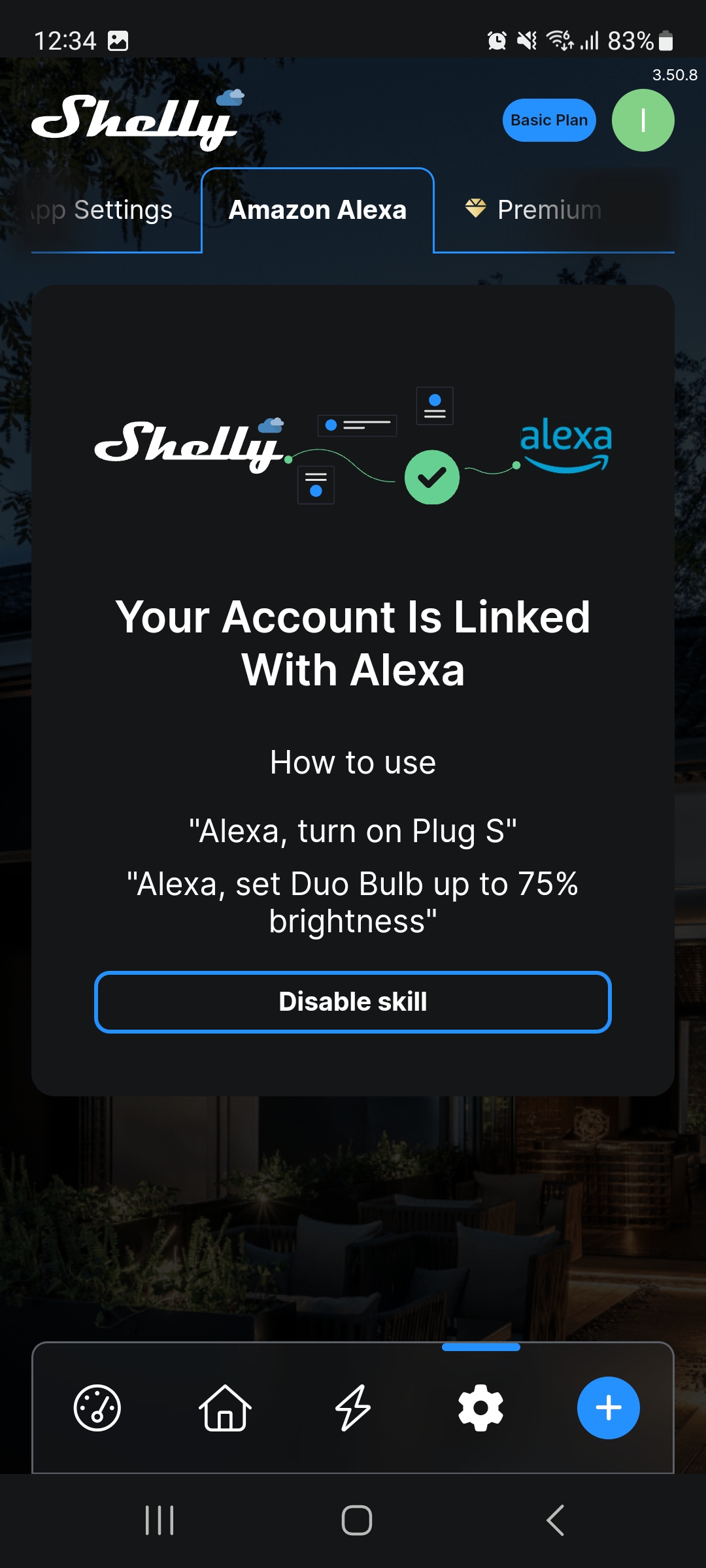
App-to-App Account Linking Starting from the Amazon Alexa App
Tap More at the lower-right corner of the screen.
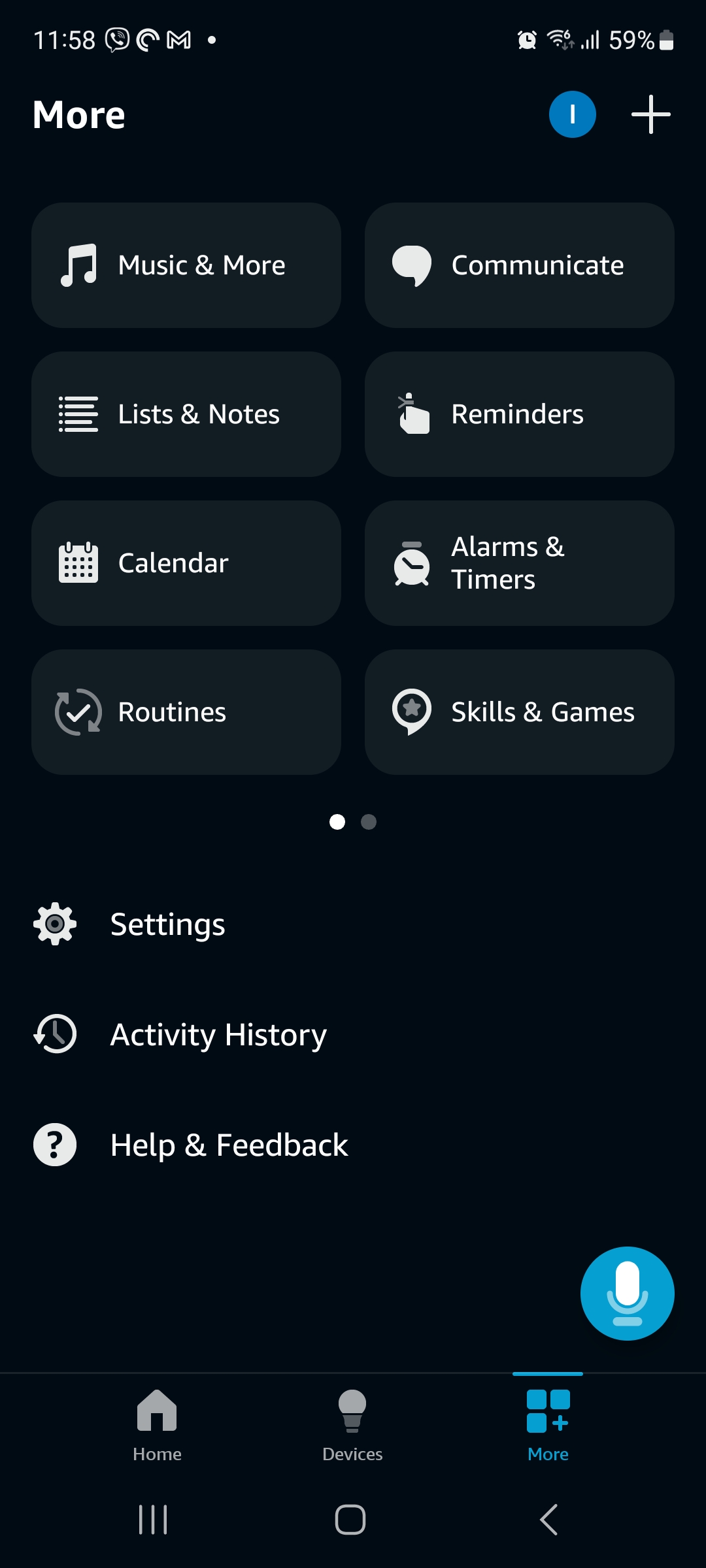
Type Shelly Cloud in the search field.
From the list of results, select Shelly Cloud.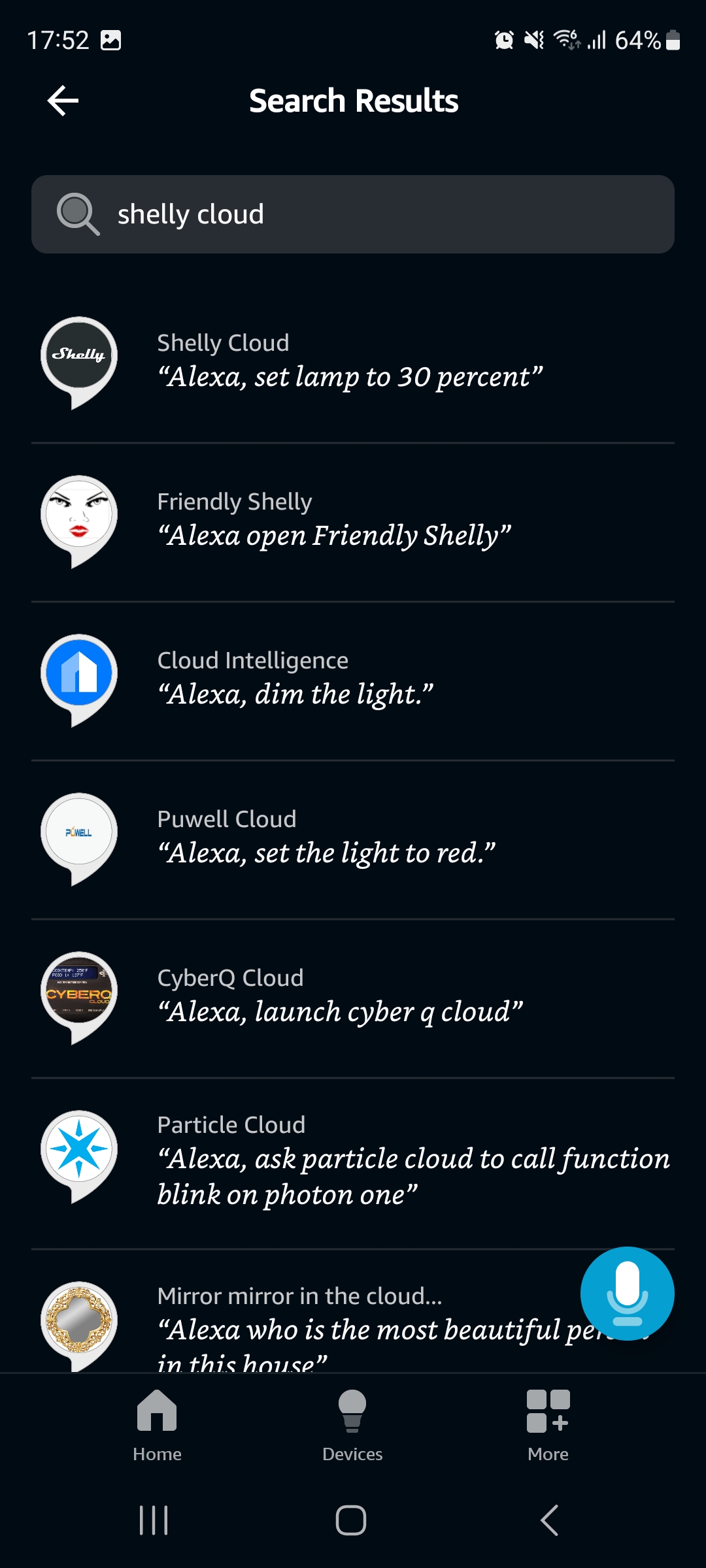
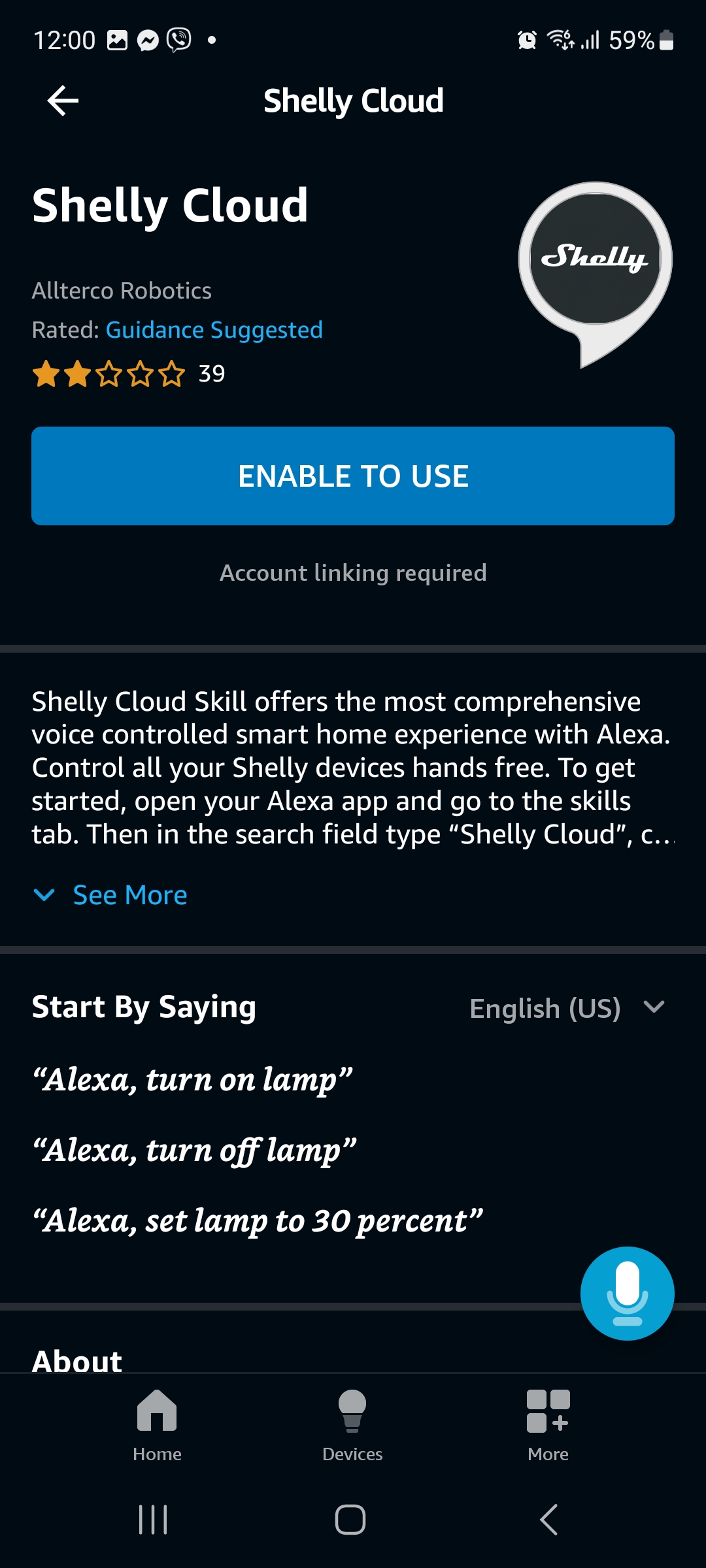
Select ENABLE TO USE.
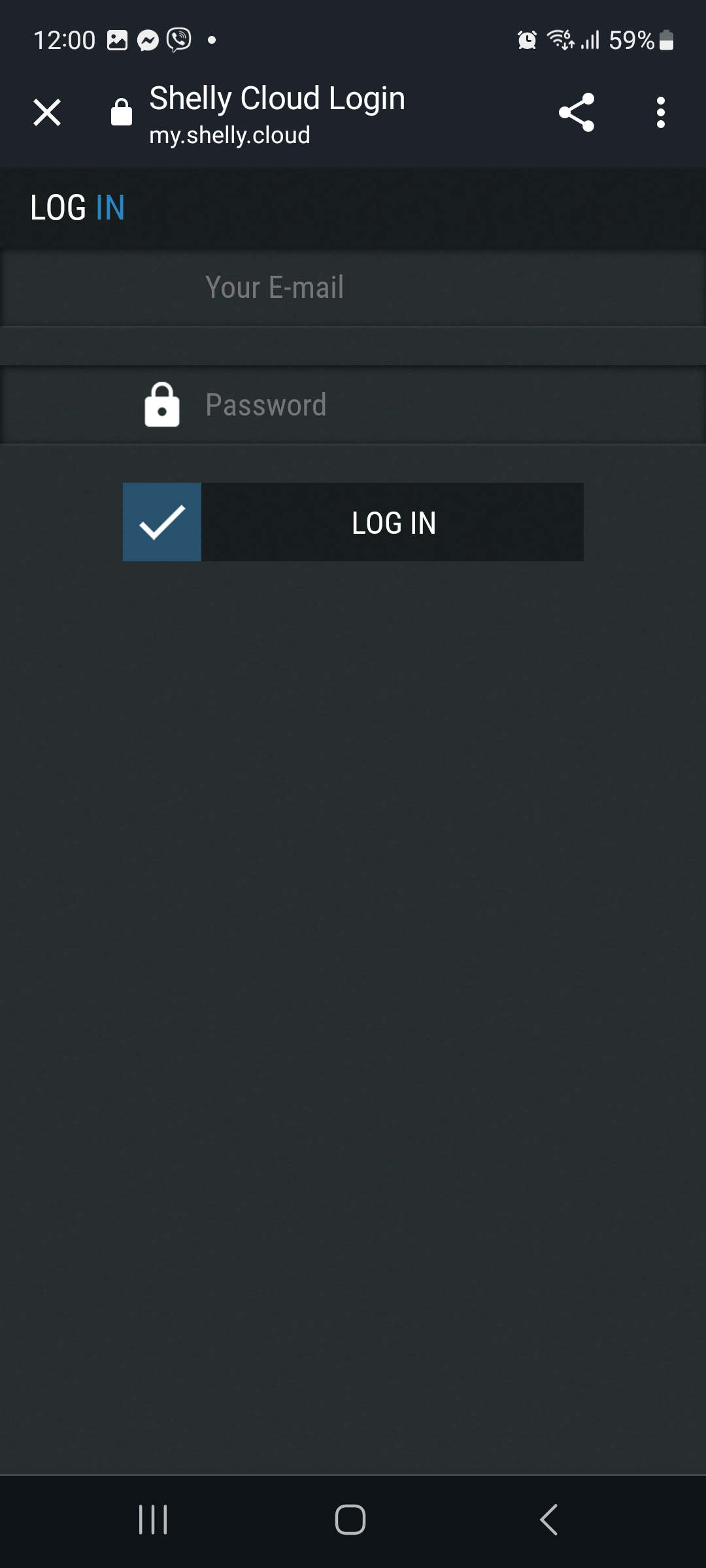
Log in to your Shelly Smart Control account.
A confirmation appears that your accounts are linked.
You can now continue with setting up your devices one at a time.